How to choose martial arts management software

A software demo can show you a tidy member list without answering the question that matters at your academy: what happens when a parent pays for two children, one changes class, and the next payment fails?
Start with the work your staff repeat each week and the exceptions that interrupt classes. Ask every vendor to work through the same situations so you can compare the results, even when they use different names for a feature.
Bring your own situations to the demo
Write down five tasks before you book a call. Use fictional members so you don't need to share personal information with a vendor you're still evaluating.
| Situation | Ask the vendor to show |
|---|---|
| A new member joins a fundamentals class | Registration, plan purchase, waiver and first booking |
| A parent pays for two children | Separate member records, the payer relationship and each child's attendance |
| Someone cancels a place in a full class | Waitlist order, promotion and the message the next member receives |
| A subscription payment fails | The member's status, the next action and what front desk staff can see |
| An instructor records a promotion | The discipline, belt, date and person who awarded it |
Watch the member's side as well as the staff view. A booking flow that works on a laptop may still be awkward on a phone at the gym entrance. Ask someone who hasn't seen the system to complete a task without coaching.
For each situation, record whether it works as shown, needs a workaround, is unavailable or wasn't demonstrated. Beside “family accounts,” for example, note whether staff could find the payer from either child's record.
Make the class schedule enforce your plans
A member on a twice-weekly plan tries to book a third class. Another has one visit left on a class pack and joins a waitlist. Ask the vendor to show what each person sees and when the system uses their allowance.
Then cancel the booking. Check whether the system returns the visit and how it counts the weekly limit. For the waitlisted member, find out what happens to the credit when a place becomes available; write the answer beside your own policy.
If you run several disciplines, test access by class type. A Muay Thai membership might include open gym time but not BJJ classes. For an academy with two locations, try a member whose plan covers one location and another whose plan covers both.
Then try making a booking the member shouldn't be able to make. That's where you'll find out whether the plan restrictions work.
Look closely at the exceptions in billing
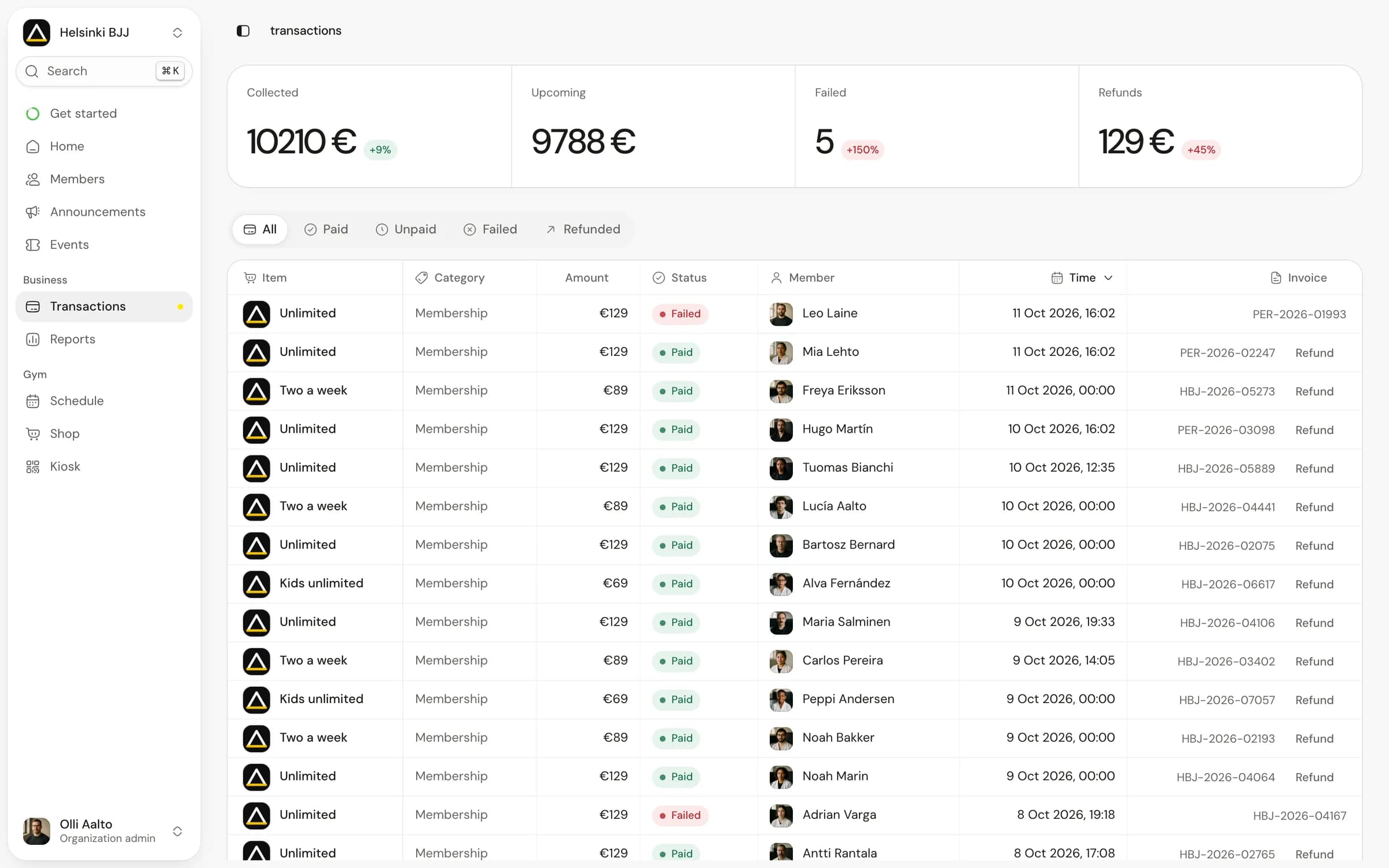
Ask to pause a subscription from its next renewal date. Check both the next invoice and the member's access, then follow a failed payment through to its next state. The billing checklist covers these exceptions in more detail.
Ask where your staff manage each action. If a refund or failed invoice takes them to a separate payment dashboard, include that work in your comparison. Also check who receives the payout and which account holds the payment relationship with the member.
Can front desk staff see both payment status and training access? An active subscription might have an unpaid invoice; a paid class pack might have no visits left. Staff need to explain either situation at the door.
For pricing, compare the same academy in every quote. Suppose a business collects €10,000 in member payments in a month. At Matpass's published €49 monthly base price plus 1%, the platform charge in that example is €149, before Stripe's separate processing fees. This is a worked example, not an estimate of what another gym pays. Check the current pricing and fee explanation before making your comparison.
Check what an attendance number means
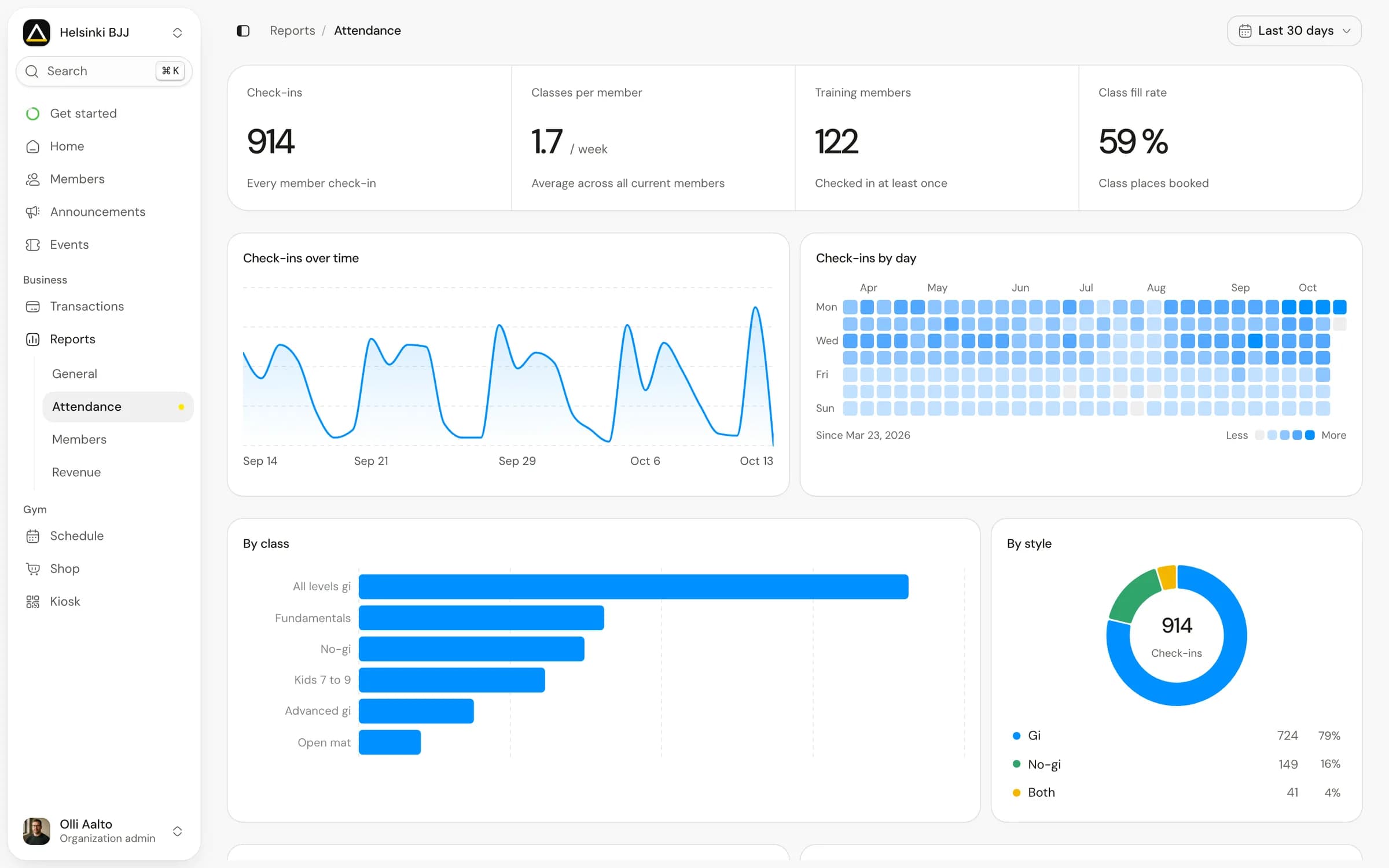
A reservation, a check-in and a confirmed class visit describe different things. Ask which one the software uses in reports and how staff correct an entry when someone books but doesn't train.
That distinction matters when attendance informs a promotion discussion. An instructor should be able to inspect the visits behind a count and understand which discipline they belong to. The software should also preserve a useful record of the promotion itself: what changed, when it happened and who recorded it.
An attendance target can remind an instructor to review a member, but the instructor still needs to assess their technique and readiness for a belt.
Treat migration as part of the purchase
Ask for a sample import using fictional data with the same shape as your current records. Include an active member, a paused member, a parent and child, and someone with a partly used class pack.
Separate member-data migration from payment migration. Copying names, email addresses and plan labels does not necessarily move active subscriptions or reusable payment details. Ask the old provider, new provider and payment processor what can transfer, what needs a member's action, and who owns the cutover.
Before you agree on a date, name the system responsible for the next charge. Two systems can both look ready while both still have billing scheduled.
You also need an exit plan. Request an example export and check whether it contains the records you would need to operate elsewhere, rather than just a contact list.
Choose with the people who will use it
Give an instructor the roster, front desk staff the check-in flow, and the person who handles money the invoice view. Let them work through the situations independently. Their difficulties are useful findings, especially when they concern something they do every day.
Keep the completed scorecard when you choose a system. During setup, use it to check that the workflows your staff tested still work with your own plans and records.
To assess Matpass, start with the same five situations. Review its class, membership and payment features, then join the waitlist with your completed scorecard ready for the demo.
If you are planning a new academy or location, use the free martial arts business plan worksheet to connect your timetable, membership assumptions and costs before comparing systems.